How to tell if a photo has heavy makeup or a filter
A photo probably has heavy makeup or a beauty filter if the skin shows no pores at all, the jawline and neck are different colors, the lashes look the same length all the way across, or the lip edge sits outside the natural lip line. To check, upload the photo to NoMakeupAI and compare it with a makeup-free version side by side.
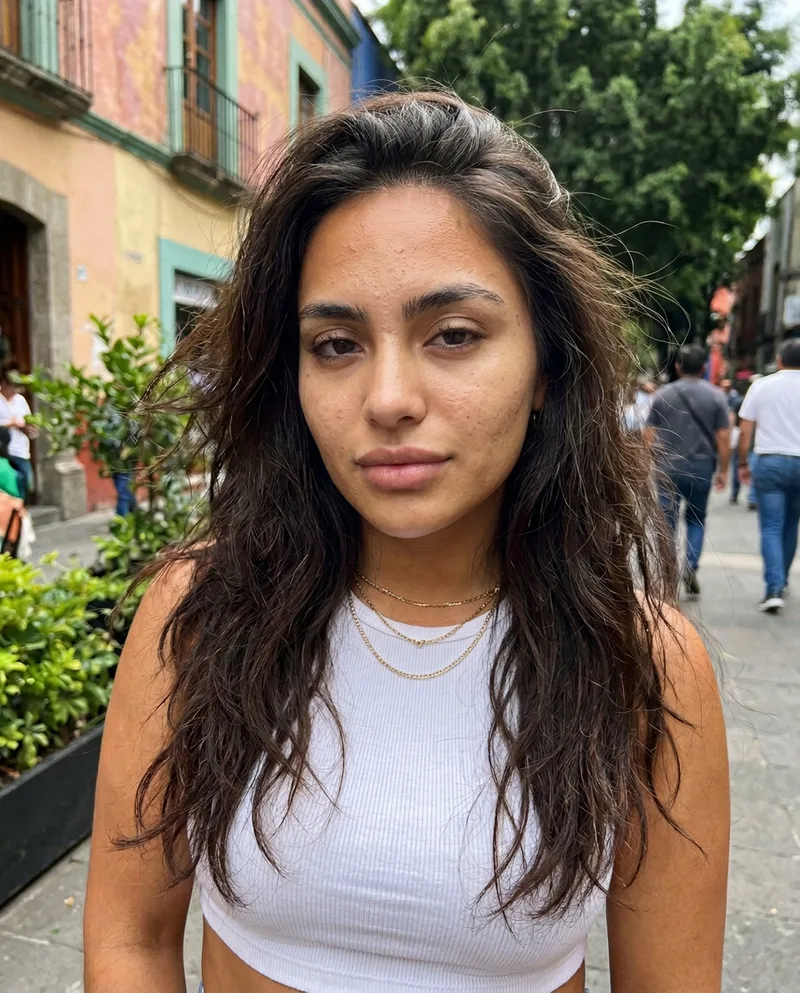
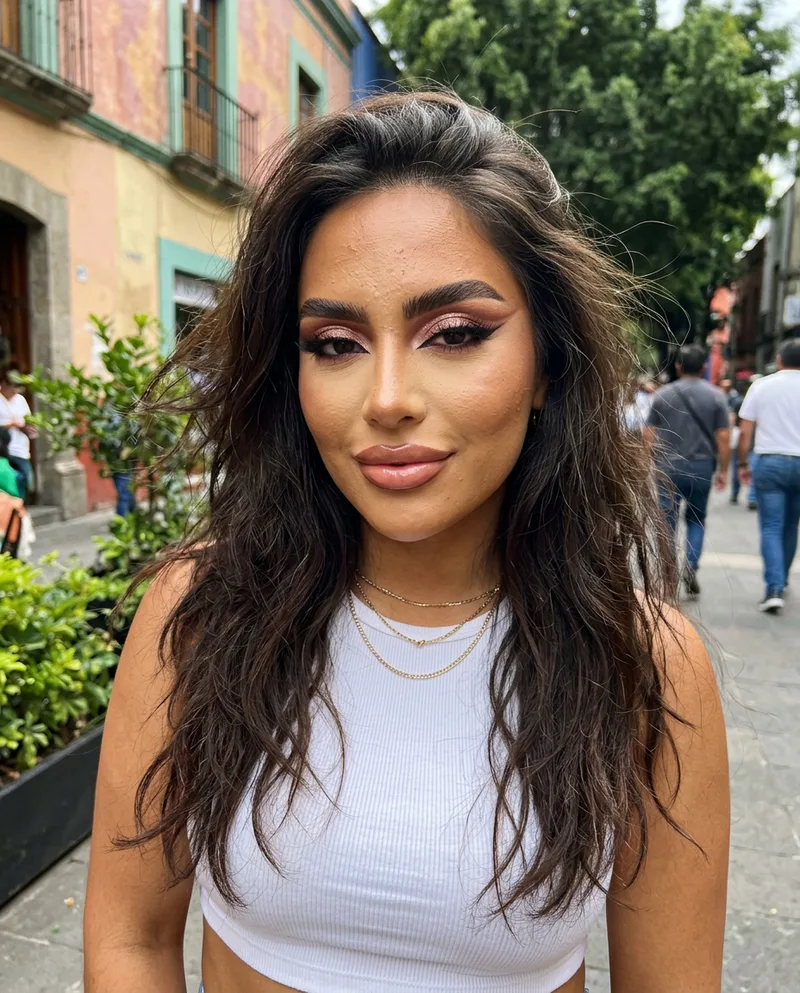 BeforeAfter
Try it freeFirst reveal free, no card needed.
Signs of heavy makeup
- The face is lighter or warmer than the neck and ears.
- Strong, straight shadows under the cheekbones and down the sides of the nose (contour).
- A bright stripe on the cheekbones, nose bridge and cupid's bow (highlighter).
- Lashes that are thick, even and longer at the outer corner.
- A lip line that's sharper or fuller than the lips under it.
Signs of a beauty filter
- Skin with no pores, fine lines or texture, even up close.
- Hair, eyelashes or jewelry that blur or smear at the edges of the face.
- A background that bends near the jaw or waist.
- The same face looks different in every photo on the profile.
Check it in 30 seconds
Upload the photo to NoMakeupAI and drag the slider. You'll see how much of the look comes from makeup and smoothing. It's an estimate, so use it as a gut check, never as proof, and never to shame anyone.
Questions
- Does the result show what the person really looks like?
- It's a close estimate, not a photograph. The model removes makeup and filter smoothing, then fills in the skin it predicts was underneath. Anything the makeup hid completely, like a scar or a tattoo, can't come back.
- Can I use it on someone else's photo?
- For your own private curiosity, yes. Never to mock, shame or harass anyone. Our Terms ban that and we close accounts that do it.
- Does it work on men, or on photos with a filter but no makeup?
- Yes. It strips beauty-filter smoothing and any makeup it finds, on anyone. If a photo has no makeup, it should come back almost unchanged.