NoMakeupAI vs other no-makeup filters and apps
NoMakeupAI is a web app that removes makeup from a still photo and gives it back at the same size and crop, with a before/after slider and a saved history. Alternatives include MakeApp, a phone app that has done this since 2017, free no-makeup filter websites such as Pokecut, Media.io and Wink, and general AI image editors like the Gemini app or ChatGPT, where you write the prompt yourself.

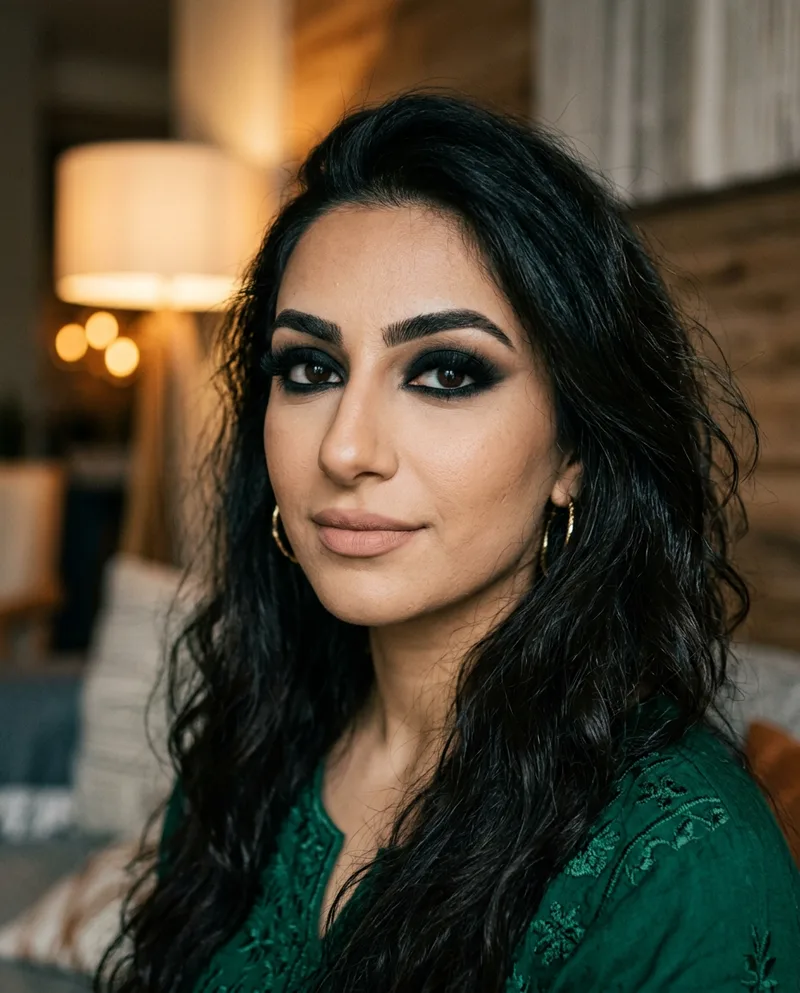 BeforeAfter
MakeApp
A phone app that has removed makeup from photos since 2017 and drew a lot of press for it. Pick it if you want a native app on your phone. NoMakeupAI runs in any browser, nothing to install.
No-makeup filter websites (Pokecut, Media.io, Wink)
Online photo editors that include a no-makeup filter among many other effects. They're handy if you already use one for other edits. NoMakeupAI does one job: it uses a prompt written only for makeup removal that tells the model to keep identity, expression, lighting and framing, and it returns the result at your photo's size.
Gemini app, ChatGPT and other general AI editors
You can ask a general image model to remove makeup yourself. Results depend on how you word it, and these tools can change the pose, smile or background along the way. NoMakeupAI uses a tested prompt, keeps the crop, and saves every before and after in your account.
When NoMakeupAI is the right pick
- You want the same photo back, not a new picture of a similar person.
- You'd rather pay per photo than subscribe: credits start at $5 and never expire.
- You want to try it free first, with no card.
Questions
- How does NoMakeupAI remove makeup from a photo?
- You upload a photo and we send it to Google's Nano Banana 2.1 image model with one instruction: take the makeup off and change nothing else. The result comes back at the same size and crop as your upload, usually in about 30 seconds.
- Is it free?
- Your first reveal is free and you don't need a card. After that you can make one more watermarked preview, or buy credits: 5 for $5, 15 for $10 or 40 for $20. One credit is one photo. Credits never expire and there's no subscription.
- What happens to my photos?
- We send your photo to fal.ai, which runs the model, and save the before and after in your account under My Reveals. You can delete any reveal, or your whole account, from the dashboard. Stripe handles payments, so we never see your card.