See what you look like without makeup
To see what you look like without makeup, upload a photo of yourself wearing makeup to NoMakeupAI. It removes the makeup and keeps your face, expression and lighting, so you can compare the two versions side by side with a slider. Your first photo is free.
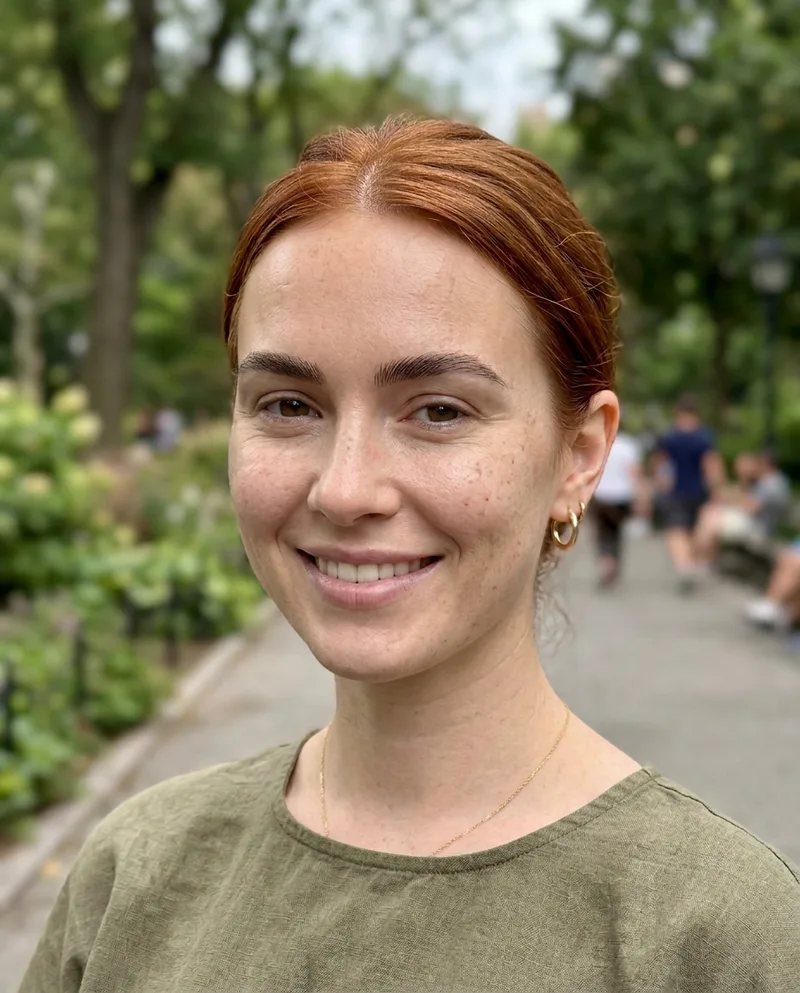
 BeforeAfter
Why people try it on themselves
- Thinking about going makeup-free and want a preview first.
- Curious which products are doing the most work in their routine.
- Planning a bare-faced shoot or a natural-look photo.
- Comparing an old glam photo with how they look today.
How to get a fair comparison
Pick a photo taken in daylight with your face toward the camera. Heavy filters and strong ring lights hide skin texture, and the model can only estimate what it can't see. If you have the same pose with and without makeup, compare the result against your real bare-faced photo to see how close it got.
What the result can and can't tell you
The after photo is an estimate made by an image model. It's good at the overall look: brows, lashes, lip color, skin tone and texture. It can't know about a spot or scar that your concealer hid completely, so treat small details as a guess.
Questions
- Does the result show what the person really looks like?
- It's a close estimate, not a photograph. The model removes makeup and filter smoothing, then fills in the skin it predicts was underneath. Anything the makeup hid completely, like a scar or a tattoo, can't come back.
- What happens to my photos?
- We send your photo to fal.ai, which runs the model, and save the before and after in your account under My Reveals. You can delete any reveal, or your whole account, from the dashboard. Stripe handles payments, so we never see your card.
- Is it free?
- Your first reveal is free and you don't need a card. After that you can make one more watermarked preview, or buy credits: 5 for $5, 15 for $10 or 40 for $20. One credit is one photo. Credits never expire and there's no subscription.